What WhatsApp CRM Integration Actually Means
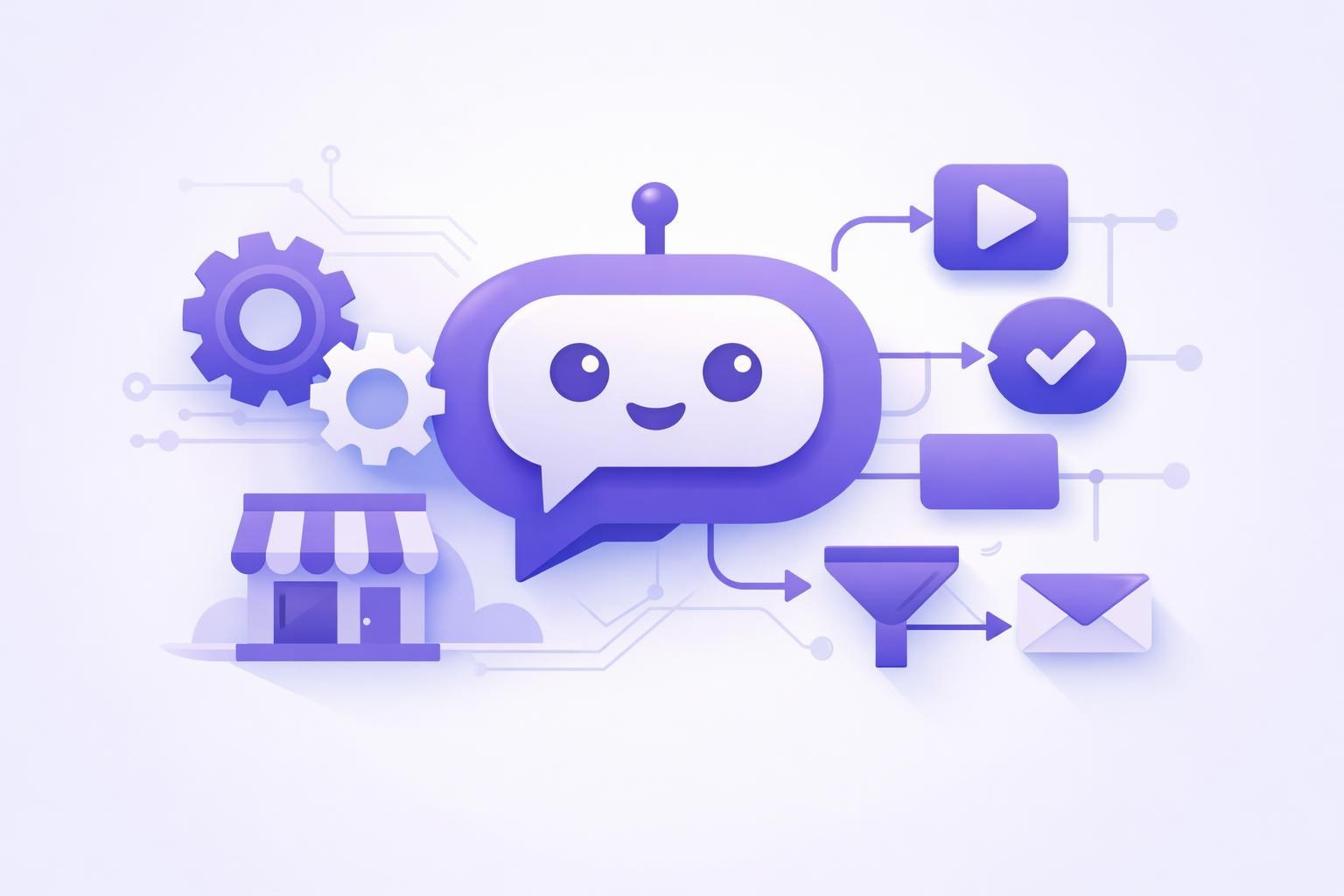
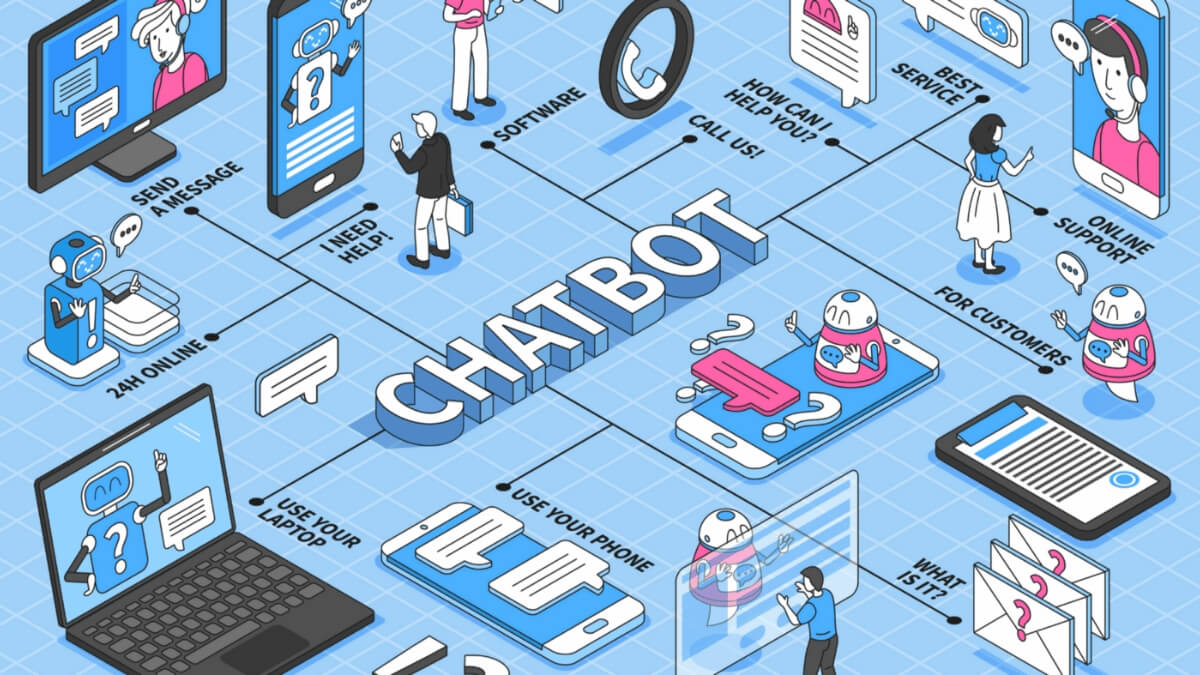
WhatsApp CRM integration connects your WhatsApp Business account to a customer relationship management platform so every conversation, contact, and follow-up lives in one place — not scattered across someone's personal phone. Your team can track leads, send automated replies, and trigger workflows from inside the CRM itself.
That's the short version. Here's what most guides skip: integration isn't just about syncing messages. It's about turning informal chat into structured sales data. When a prospect texts you on WhatsApp at 9 PM, a proper setup logs that as a new lead, assigns it to a rep, and fires off a welcome message — without anyone touching their phone.
There are two main paths small businesses typically take. The first is a direct API connection between WhatsApp Business API and a CRM that natively supports it. The second uses a middleware tool — Zapier, Make, or a dedicated WhatsApp inbox platform — to bridge the two. Both work. Which one fits depends on your CRM, your budget, and how much customization you actually need.
Why Small Businesses Can't Afford to Skip This
Here's a scenario we keep running into: a small business owner is managing a solid volume of inbound WhatsApp messages from their phone. Replying manually, juggling follow-ups in their head, losing track of who said what. A warm lead from three days ago slips through because the chat got buried. That's not a people problem — it's a systems problem.
WhatsApp is the dominant messaging channel across Latin America and parts of Europe, and it's increasingly common in US markets with Spanish-speaking customer bases. If your clients are texting you there, you need real infrastructure around it.
- Speed matters: Response time is one of the biggest conversion factors in any chat-based sales flow. An automated first response can acknowledge a lead instantly, even at midnight.
- Context matters: When your team can see a customer's full history inside the CRM before replying, conversations feel warmer and close faster.
- Accountability matters: Without a CRM, there's no way to know how many leads came through WhatsApp, how many got replies, or who's actually following up.
We've watched clients — small e-commerce shops and service businesses alike — discover how many WhatsApp inquiries were going cold every week once we mapped out their actual flow. The gap is almost always bigger than anyone expected.
Which CRM Works Best With WhatsApp?
The honest answer: the one your team will actually use. That said, some CRMs make WhatsApp integration dramatically easier than others.
HubSpot offers a native WhatsApp integration through its conversations inbox on paid tiers. It's clean, well-documented, and a natural fit if you're already in the HubSpot ecosystem. For teams on HubSpot's free CRM, upgrading to enable WhatsApp is usually the path of least resistance.
Zoho CRM connects to WhatsApp through Zoho's own messaging tools or via third-party connectors. It's a solid pick for budget-conscious teams that need flexibility without enterprise-level pricing.
Pipedrive doesn't have a native WhatsApp channel, but it integrates cleanly through tools like Twilio, 360dialog, or Make. If your sales team lives in Pipedrive, this route works fine.
Notion or Airtable as lightweight CRMs — some very small teams use these as makeshift options. They can connect to WhatsApp via Zapier or Make, though you'll give up some automation depth in the process.
Dedicated WhatsApp inbox platforms like Kommo (formerly amoCRM), WATI, or Respond.io occupy a middle ground: built specifically for WhatsApp and team collaboration, with basic CRM features baked in. For teams whose primary sales channel is WhatsApp, these often beat bolting a chat tool onto a traditional CRM.
How to Connect WhatsApp to Your CRM Step by Step
Before you touch any settings, get two things sorted: a WhatsApp Business API-approved phone number and a Meta Business account. The standard WhatsApp Business app — the free one on your phone — doesn't support full CRM integration. You need the API version, which means going through a Business Solution Provider (BSP) like 360dialog, Twilio, or Meta directly.
- Apply for WhatsApp Business API access. Go through a BSP or directly via Meta's Business Manager. Approval typically takes a few days if your business account is verified.
- Choose your integration method. Native CRM integration (if your CRM supports it), a dedicated WhatsApp inbox platform, or a middleware tool like Make or Zapier.
- Connect the API to your platform. Each BSP provides an API key or webhook URL. Paste that into your CRM or middleware tool following their setup docs. HubSpot and WATI both have step-by-step walkthroughs that don't require any code.
- Set up your contact mapping. Define how incoming WhatsApp contacts become CRM records — name, phone number, tags, pipeline stage. Get this right before you go live, or you'll end up with duplicate contacts nobody trusts.
- Build your first automated reply. Something simple: 'Thanks for reaching out — we'll get back to you within X hours.' It sets expectations and cuts response anxiety right away. More on advanced flows in the next section.
- Test with a real phone number. Send yourself a message and walk the full flow before anything goes live. Confirm the contact appears in the CRM, the automation fires, and the reply lands correctly.
- Train your team. The best integration fails if reps don't know how to use the inbox. A 30-minute walkthrough is usually enough to get everyone comfortable.
Smart Automation Flows You Can Set Up Right Away
Once your integration is live, automation sequences are where the real value shows up. These don't have to be complex. Even a simple two-step flow can meaningfully cut your manual workload.
Lead capture and assignment: New WhatsApp contact comes in → CRM creates a lead record → assigns it to the next available rep in a round-robin → rep gets a notification. Nobody falls through.
Appointment confirmation: Customer books a call → WhatsApp sends a confirmation with the date, time, and a calendar link → a 24-hour reminder fires automatically. We've seen this type of flow cut no-show rates noticeably for service businesses — consultants, clinics, tutoring services — without anyone lifting a finger.
Abandoned inquiry follow-up: If a lead goes quiet after the first message exchange, a follow-up triggers automatically after a set window — say, 48 hours with no reply. Something friendly and low-pressure: 'Still interested? Happy to answer any questions.' Just a nudge.
Post-purchase check-in: After a deal closes in your CRM, WhatsApp sends a thank-you or a review request. This works especially well for local service businesses where word-of-mouth still drives most growth.
If you want to layer in AI-powered responses on top of this, our guide on automating customer support with AI for small businesses walks through how to combine chatbot logic with human handoff — a natural next step once your WhatsApp-CRM foundation is solid.
Common Mistakes That Kill Your WhatsApp CRM Setup
Most integration projects don't fail at the technical level. They fail because of decisions made before or after the setup. Here's what to watch for:
- Using a personal number for WhatsApp Business API. You can't port a personal WhatsApp number to the API without losing your entire chat history. Start with a dedicated business number.
- Skipping contact mapping rules. If you don't define how incoming contacts map to CRM fields, you'll end up with hundreds of orphaned records that nobody trusts. Work this out before launch — it's worth the time.
- Over-automating on day one. It's tempting to build a dozen flows right out of the gate. Don't. Start with two or three, get them working well, then expand once you know what your customers actually respond to.
- Ignoring WhatsApp's messaging policies. Meta has strict rules about unsolicited outbound messages. Using WhatsApp to blast promotions without opt-in consent can get your number banned. Always collect opt-ins and stick to approved message templates for any outbound campaign.
- No fallback to a human. Automation should handle first responses and routine follow-ups — but any flow without a clear human escalation path will eventually frustrate a customer at exactly the wrong moment.
- Overlooking TCPA and privacy considerations. If you're messaging US customers on WhatsApp, you still have obligations around consent and opt-out. A quick legal check is worth it before you run any outbound sequences.
Next Steps: Scaling Up With AI Automation
A working WhatsApp CRM integration is a foundation — not a ceiling. Once contacts are flowing into your CRM and basic automation is running, there's a clear path to more sophisticated systems that free up even more time.
The most impactful next layer is an AI assistant that handles common questions inside WhatsApp before a human ever needs to step in. FAQs, pricing inquiries, appointment booking, basic qualification questions. This isn't theoretical — small businesses are doing it today with tools that don't require a development team or a big budget.
The same logic applies beyond WhatsApp: email follow-ups, SMS sequences, even voice. The businesses that grow fastest aren't necessarily working harder. They've built systems that keep working while they sleep.
Our work in AI-powered automation for small and mid-sized businesses covers exactly this kind of end-to-end thinking — how to connect your channels, automate where it makes sense, and preserve a human touch where it matters most. If you're serious about scaling without proportionally growing your headcount, that's the right place to keep exploring.
The bottom line: WhatsApp CRM integration isn't a nice-to-have for small businesses anymore. It's the difference between a sales process that leaks leads and one that converts them — at whatever hour those leads happen to reach out.
Not Sure If Your WhatsApp Setup Is Losing You Leads?
We'll do a free audit of your current WhatsApp and CRM workflow — mapping where contacts are falling through, what automation you're missing, and what a properly connected setup would actually look like for your business. No generic recommendations. Just a straight look at what's working and what isn't. Reach out to the Xulum team and let's take a look together.
Request your quote →