The UI UX Audit Checklist: 9 Checks You Can Run in One Afternoon
A UI UX audit checklist is a structured set of questions you walk through to find friction, confusion, and missed conversion opportunities on your own site or product. A founder can realistically finish a focused version in two to four hours — browser, phone, and honest eyes. That's it.
Here are the nine checks, ordered the way a real user actually moves through your product:
- First-impression test (the 5-second rule). Open your homepage cold — ideally on a device you rarely use. Within five seconds, can you answer: what is this, who's it for, and what do I do next? If you hesitate, your visitors are already bouncing. Write down exactly what you read first, second, and third. That reading order is your visual hierarchy in practice, not in theory.
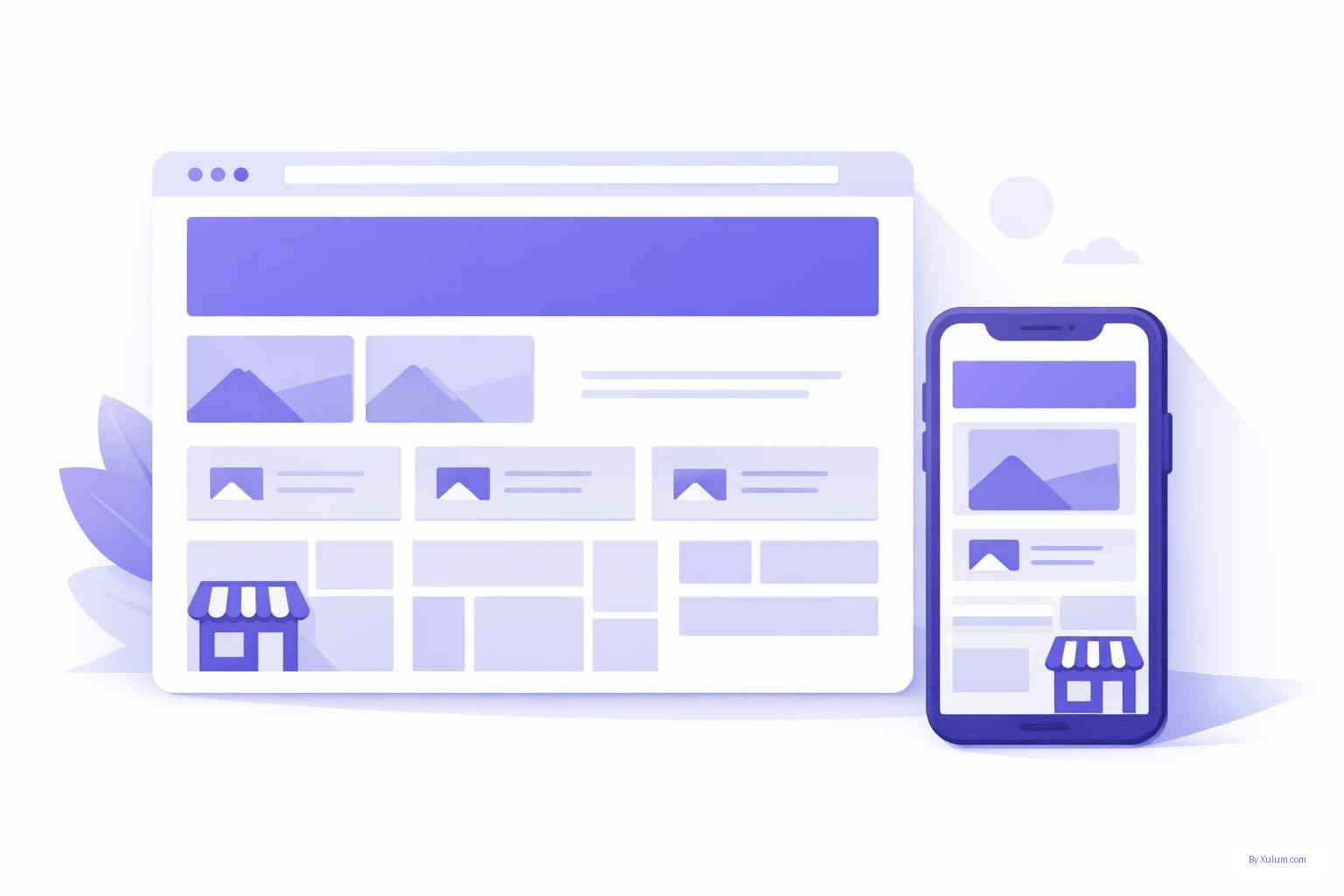
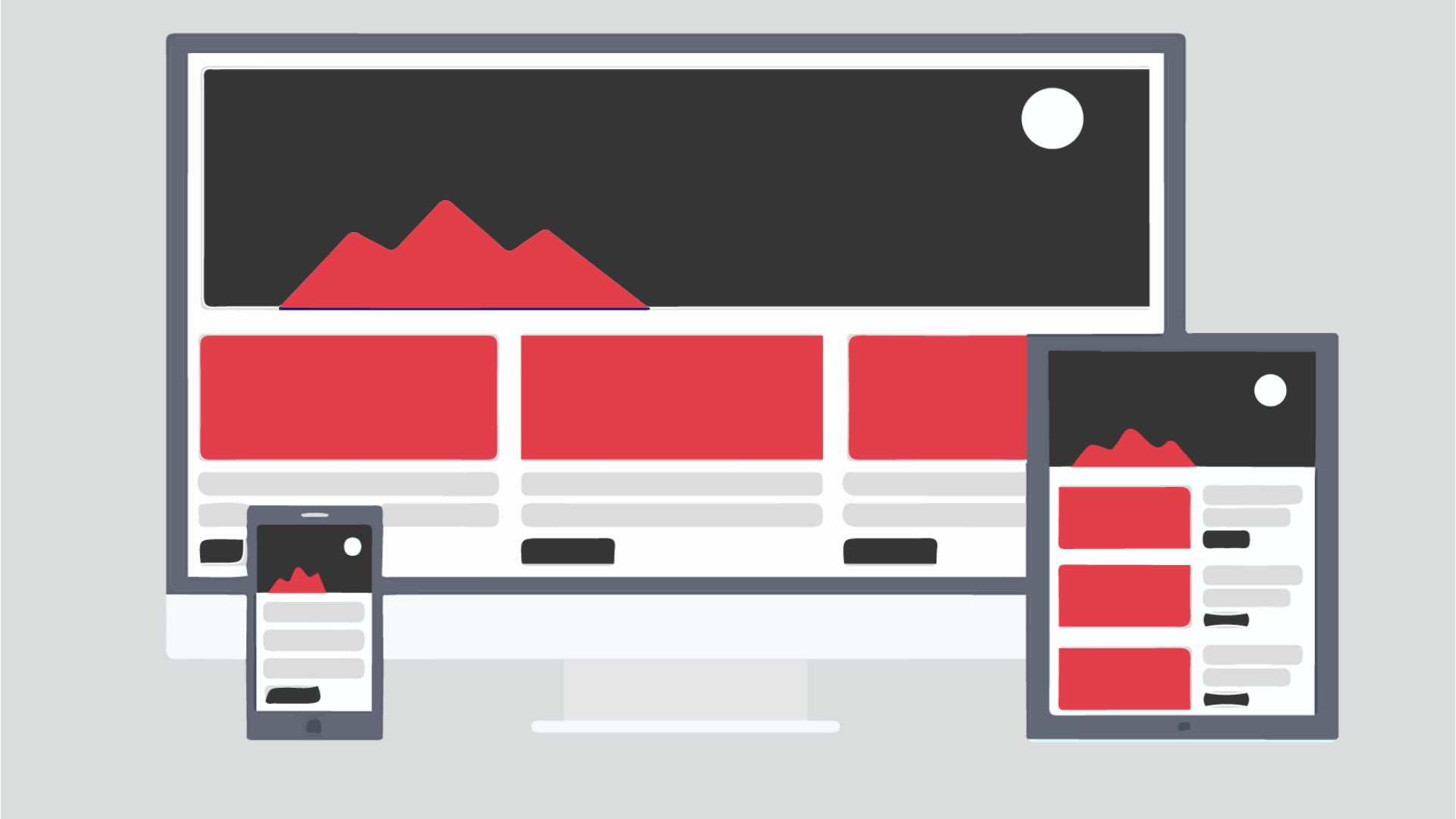
- Mobile viewport audit. Pull out your phone and visit every page in your primary user flow. Tap every button. Scroll every section. Look for text too small to read without zooming, buttons packed so close together a thumb can't hit them cleanly, and content that bleeds off the edge. These aren't cosmetic issues — they directly determine whether users complete the action you want.
- Navigation clarity check. Find someone who's never seen your site — a neighbor, a family member, anyone — and ask them to locate a specific piece of information using only your navigation. Watch silently. Every wrong turn is a signal. If nobody's around, run the task yourself with a thirty-second timer per destination and see how you do.
- CTA audit. List every call-to-action across your key pages. For each one: does the label say what actually happens after the click? Is it visually distinct from the content around it? Is there one primary CTA per screen, or are users being pulled in three directions at once? Competing CTAs are one of the most consistent conversion killers we run into — pages that technically have everything but ask for too much simultaneously.
- Form friction review. Go through every form you ask users to complete — contact, signup, checkout. Count the fields. Ask yourself honestly: do you need all of them right now? Every extra field is a small tax on patience. Then check your error messages: are they specific ('Email must include an @') or vague ('Invalid input')? Specific errors save the user a guess and keep them moving.
- Color and contrast check. Use a free browser extension like the WebAIM Contrast Checker and spot-check your body text, buttons, and links against their backgrounds. Failing contrast isn't only an accessibility concern — it hurts legibility for every user on a bright day or a budget screen.
- Page speed gut check. Run your most important landing page through Google PageSpeed Insights. You don't need to interpret every score — just read the 'Opportunities' section. Uncompressed images and render-blocking scripts are the two issues founders can almost always hand off to a developer immediately, or fix themselves with a basic image optimizer.
- Consistency scan. Open three or four pages side by side. Do your headings follow the same scale? Do buttons share the same shape and color convention? Is your logo in the same position everywhere? Visual inconsistency erodes trust quietly. Users won't be able to name it, but they'll feel like something's off — and that feeling goes straight to your bounce rate.
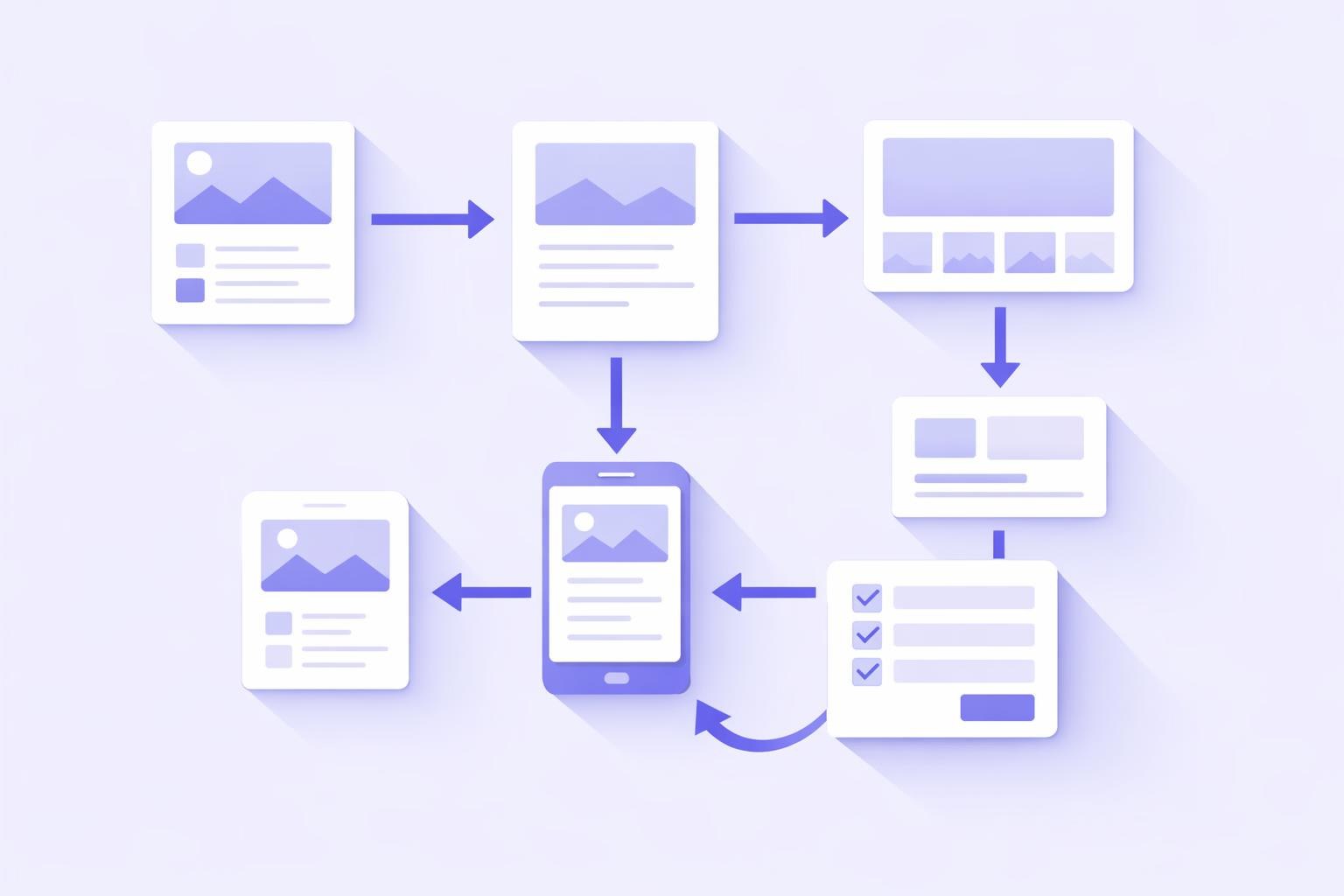
- Dead-end detection. Follow every user path to its end. What happens after someone submits a form? After they finish a blog post? After they hit a 404? Dead ends are wasted real estate. A simple 'You might also like...' or a relevant CTA at the bottom of a thank-you page can pull users deeper into your product for free.
Run all nine back to back and you'll have a prioritized issue list — ranked by the friction each one creates — before dinner.
Why Does a UX Audit Matter More Than a Redesign?
Most founders go straight to 'we need a redesign' when conversions drop or users complain. A redesign is expensive, slow, and a bet that your instincts about what's broken are correct. An audit is the opposite: a diagnostic pass that tells you what's actually wrong before you spend a dollar fixing anything.
We've watched clients come in convinced they needed a complete visual overhaul, only to find through a structured audit that the real problem was a single form with nine unnecessary fields sitting between the user and the conversion. Fixing that one thing moved the needle faster than any new design would have.
A solid audit also gives you a shared language with your team, your developers, and outside partners. Instead of 'the site just feels off,' you're saying 'the primary CTA on the pricing page is competing visually with two secondary actions, and the button label contrast ratio is below accessibility guidelines.' That specificity turns a vague complaint into an actionable ticket someone can actually close.
If you want to go deeper on the methodology behind evaluating a full digital experience, the principles in our guide to UX design strategy and process give useful context for why these audit steps are sequenced the way they are.
What Are the Most Common UX Mistakes Founders Miss on Their Own Sites?
Founders are too close to their own products. That's not a character flaw — it's just what happens when you build something from scratch. Here are the issues that show up most consistently when fresh eyes run through the checklist above:
- Assumed vocabulary. You use industry terms or internal product names that mean nothing to a first-time visitor. Your users don't know your acronyms. Read every headline as if you've never heard of your company before.
- Hero sections that describe instead of convert. 'Empowering businesses through innovative solutions' tells the user nothing. 'Invoicing software for freelance designers' tells them everything. Specificity is what converts.
- Trust signals buried or missing entirely. Testimonials, client logos, certifications, press mentions — they're often an afterthought, dropped into a footer or a dedicated page nobody reaches. They're most powerful right next to a CTA, where the user is actively deciding.
- Mobile-first only on paper. Plenty of sites are built on responsive templates that technically function on mobile but were never tested by an actual human thumb. Tap targets are too small, spacing collapses awkwardly, and the menu demands precision a touchscreen doesn't reward.
- No visual hierarchy on long pages. Walls of text with no subheadings, no bullets, no pull-quotes — this is a persistent problem on product and about pages. Users scan before they read. If scanning turns up nothing useful, they leave.
A pattern we keep running into: it's rarely one catastrophic mistake. It's a cluster of small frictions that compound. Individually, each one is survivable. Together, they make the experience feel effortful — and effort is the enemy of conversion.
Tools That Make This Audit Actually Doable in an Afternoon
You don't need an enterprise analytics stack. These are the tools that give you real signal without a steep learning curve:
For visual and accessibility checks: WebAIM's Contrast Checker (free, browser-based) and Google Lighthouse (built into Chrome DevTools — press F12, go to the Lighthouse tab, run a report). Lighthouse covers performance, accessibility, and best practices in a single pass.
For user behavior: If you've got Hotjar or Microsoft Clarity installed — both have free tiers — pull up session recordings for your most important landing page and watch three to five real users navigate it. Don't skip this if the data's there. Watching someone struggle with your UI for ninety seconds is more instructive than any checklist item.
For content clarity: Paste key sections of your copy into the Hemingway Editor. You're not chasing a specific grade level — you're hunting for sentences so dense they require a second read. Those are friction points in your UX too.
For cross-device testing: BrowserStack has a free trial that lets you see your site on real device and browser combinations without owning the hardware. Pair it with a physical check on your own phone — nothing replaces that.
For keeping track as you go: Keep a shared Google Doc or Notion page open while you run each of the nine checks. Write one sentence per finding — even if it's 'this looks fine.' The act of writing it down is what turns an audit into a prioritized action plan rather than a mental list you'll lose by next week.
The whole point is to finish the afternoon with something you can actually hand to a developer or designer, ranked by impact. Tools support that goal — they don't replace judgment.
What Happens After You Finish the Audit?
An audit that sits in a doc and goes nowhere is just a productivity exercise. Here's how to make it count:
Triage by impact and effort. Not every issue deserves equal urgency. Group your findings into three buckets: quick wins (things a developer or copywriter can resolve in under an hour), medium-lift improvements (things that require a design change or A/B test), and structural issues (things pointing to deeper problems in your IA or product logic). Start with the quick wins. Shipping fast fixes builds momentum and sometimes makes the structural problem look smaller than it did on paper.
Validate before you build. For anything requiring significant design or development work, resist the urge to fix it based on audit findings alone. Run a simple usability test first — even five users is enough to confirm whether your hypothesis holds. If you want a lightweight framework for that, our article on website usability testing for small businesses walks through an approach that doesn't require a research budget.
Set a re-audit cadence. A UX audit isn't a one-time event. Every time you ship a major feature, update your pricing page, or change a core user flow, run at least a partial audit on the affected areas. Build it into your launch checklist the same way you'd check for broken links before pushing to production.
Loop in your team. Share findings asynchronously — a short Loom walkthrough or a Notion doc with annotated screenshots works well. Getting your designer, developer, and marketing lead looking at the same evidence keeps the audit from becoming a founder's personal to-do list that never gets prioritized by anyone else.
Done consistently, a quarterly afternoon audit becomes one of the highest-leverage habits a small team can build. It keeps the user experience honest between bigger design investments.
Want a Second Set of Eyes on What This Checklist Turns Up?
You've got the checklist — now let's pressure-test your findings. Xulum's UX team offers a free review of your site's core user flow: we'll look at the same nine areas you just audited and tell you what we'd prioritize first. No pitch, no obligation. Just a straight read from a team that's been doing this since 2009. Share your URL and we'll get back to you within one business day.
Request your quote →